Microsoft 365 tenant documentation, written for you
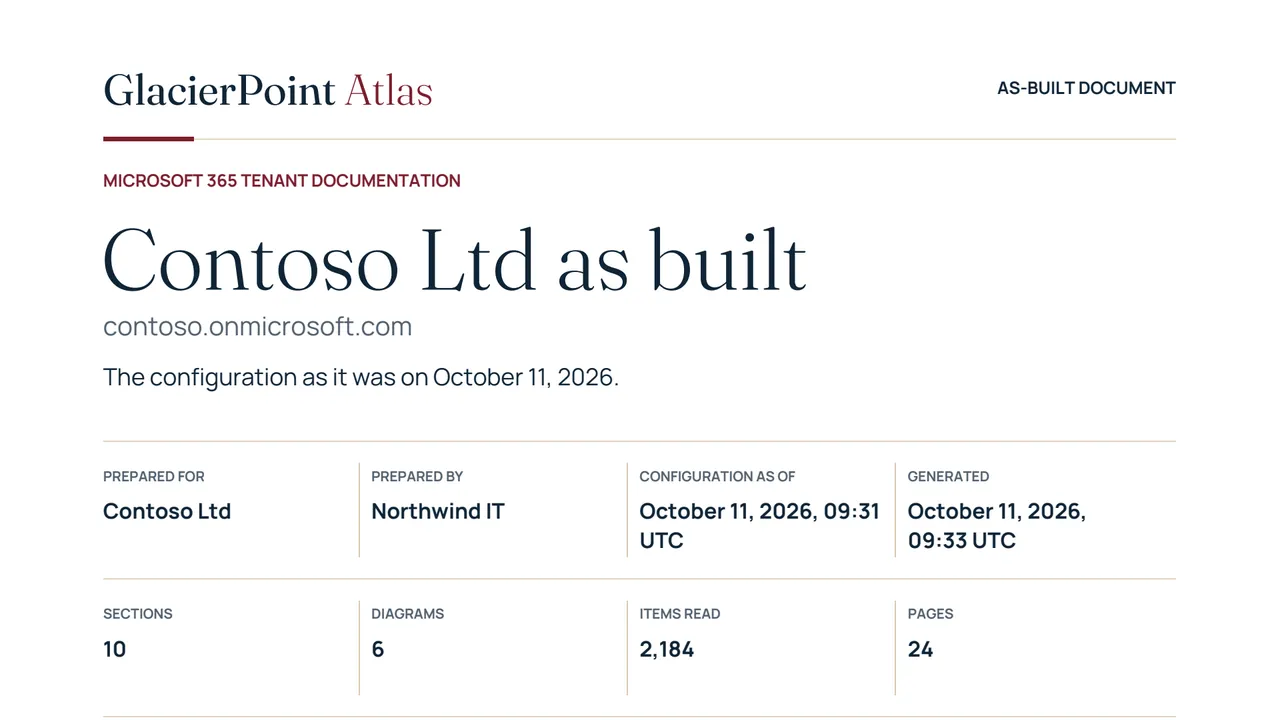
GlacierPoint Atlas reads your Microsoft 365 tenant in one run and writes its as-built document: numbered sections of plain sentences, tables and six diagrams, dated, as a PDF and a Word file. You get a current description of how the tenant is set up without writing it by hand.
Who it is for
It is for managed service providers onboarding a new client, consultants handing over at the end of an engagement, and administrators asked how the tenant is configured before an audit.
If someone needs that document by name and nobody has a current one, this is the gap Atlas fills.
How a run goes
- Create your workspace with your work email and a six-digit code, then download the Windows app and approve it with the code it shows.
- The app signs in to Microsoft with your administrator account and reads the settings with read permissions only.
- The run is uploaded sealed, and the portal writes the dated document.
- Read it as pages in the portal, or download the PDF and the editable Word file.
What you get
- Ten numbered sections in the same order every time, covering identity, sign-in and access, mail flow, mail protection, devices and licensing.
- Six diagrams, including a Conditional Access map and a mail flow map.
- A summary paragraph written from the figures of the run itself.
- A register that names every setting the sign-in could not read, so a gap is never hidden.
- Your cover, logo and notes per section in each document and, on the Watch and MSP plans, a monthly document with a log of what was added, removed or changed.
What it does not do
- It covers Microsoft 365 only. On-premises Active Directory, servers and networks are outside its scope.
- Information protection and collaboration, sections 6 and 8, arrive in a later release. Until then each prints as a one-page note, so the numbering stays the same.
- It reads no mail, files, messages or sign-in logs.
- It reads only, apart from the setups you confirm: scheduled runs need an app registration of your own and a standing read grant, each shown to you before it is written.
The free preview needs no card: one tenant, up to 2 runs, with the summary, section 1 in full, and the headline tables and diagrams of the other sections.
Newest articles
-
How to export every Conditional Access policy to a readable document
Export Conditional Access policies with Microsoft Graph PowerShell, turn every ID into a name, and save each policy as a readable CSV and HTML table.
-
How to document a Microsoft 365 tenant: what to capture and where to find it
To document Microsoft 365 tenant settings, capture ten areas: where each lives in the admin centers and the cmdlet that exports it.
Articles from every GlacierPoint product, newest first, are on the articles page.